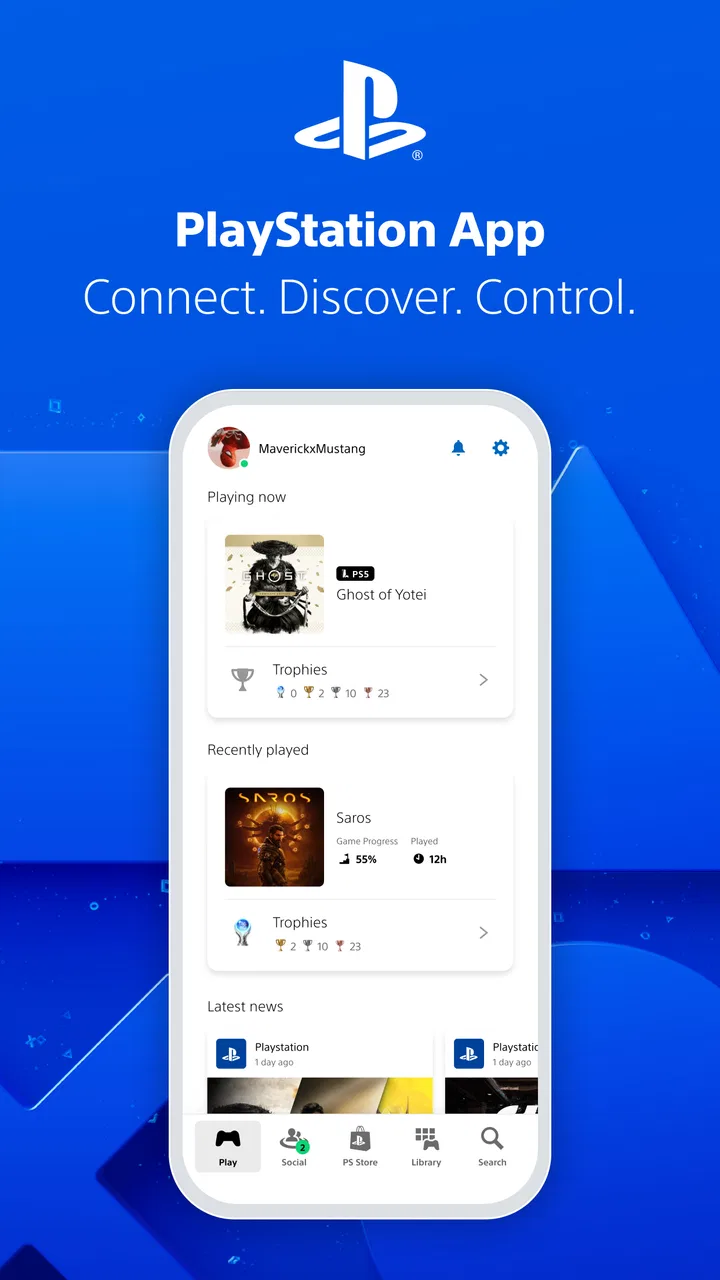
PlayStation App
- 3.5
- Rating
- 100.00M
- Installs
- Free
- Price

 Analysis by App-foxy
I use the PlayStation App as a companion to the console rather than as a replacement for it. That distinction matters. It is a free entertainment app from PlayStation Mobile Inc. that brings account activity, social features, store browsing, and remote console-related controls into one mobile space. If you already play on PlayStation, it can remove several small annoyances from your routine. If you want a general gaming community, a cloud gaming service, or a way to play full console games on your phone, this is not the right category of app.
My overall impression is practical rather than spectacular. The app is most useful when it helps me do something before I reach the console: check what is happening with friends, browse games, manage a purchase, or use the phone as a convenient second screen for selected console tasks. Its value comes from reducing friction. I would recommend it to regular PlayStation players, but I would not install it expecting every part of the console experience to fit neatly on a phone.
What I would consider before installing it
The first question is whether you own and actively use a PlayStation console. The app is built around that relationship, so its best features make much more sense when your PlayStation account, friends, games, and console are already part of your everyday routine. Without that connection, it becomes a limited entertainment storefront and account companion rather than a particularly compelling standalone app.
You May Also Like

 AccuWeather: Weather Radar
AccuWeather Review: A Quick, Clear Forecast for Everyday Decisions
For everyday plans, the best forecast is the one you can understand quickly. AccuWeather makes rain timing, radar, and local conditions easy to act on, with a few trade-offs.

 Hill Climb Racing
Why Hill Climb Racing Still Turns Crashes Into One More Run
A tiny car, a bumpy hill and one more upgrade: Hill Climb Racing keeps resurfacing because its simple chaos makes every near-miss feel personal.

 AliExpress - Shopping App
AliExpress Makes Global Shopping Feel Personal, but Shoppers Bear the Risk
AliExpress turns a global marketplace into a pocket-sized discovery engine. Its reach is useful, its shopping loop compelling, and its trade-offs easy to miss.

 Lords Mobile: Kingdom Wars
Lords Mobile Is a Kingdom-Building Routine, Not a Quick Match
A case-by-case verdict on the building, battles, device demands, and social commitments that make Lords Mobile rewarding for some players and exhausting for others.

 PDF Scanner app - TapScanner
TapScanner Makes Paperwork Easier to Capture, Check, and Share
TapScanner makes scanning with a phone feel less like a rescue operation and more like a dependable step in getting work done. Its capture tools are useful, though not flawless.

 Block Blast!
Block Blast! Shows How Much a Puzzle Game Can Leave Out
A quiet grid game shows why puzzle players increasingly value instant clarity, repeatable skill and low-pressure play—and where the genre still needs to catch up.
More From Our News Desk
View All News


I also look at how I prefer to manage games. A console store is comfortable when I am already sitting in front of the television, but the phone is often faster for browsing during a commute, a lunch break, or while waiting for a download or update to finish. That convenience is the strongest reason to keep this app installed. It lets me separate discovery and preparation from the moment when I actually want to play.
There is also a social decision. Players who regularly coordinate with friends, check activity, or exchange messages may get more value than solo players who only start a game and put the phone away. The app is not just a catalog; it is intended to keep the PlayStation account connected to the rest of the day. Still, I would not choose it as my main chat or community platform. Its usefulness depends on the PlayStation network around me, not on replacing every communication tool I already use.
The app is free, carries a Teen content rating, and supports devices running Android 8.0 or later. Those details make it accessible to a broad range of phone owners, although the age rating is a reminder that the social and entertainment material is not aimed specifically at young children. The current version is 26.2.0, so I would keep it updated if I rely on console-connected functions, since companion apps tend to work best when the phone software and console ecosystem stay in step.
Its scale is easy to understand from the audience around it: the app has passed one hundred million installs, with an average rating of 3.6 from roughly one point one million ratings and about sixty-eight thousand written reviews. I read that combination as a sign of a useful but uneven companion. Many players clearly find it worthwhile, while the middling average suggests that reliability, layout changes, account behavior, or individual expectations can affect the experience.
My first setup and the small details that matter
On first use, I would sign in with the same PlayStation account used on the console. That sounds obvious, but it is the most important setup decision. Using a different account can make the app appear empty or disconnected, which may look like a missing feature when the real issue is simply account mismatch. I also recommend checking the account and notification settings early, rather than allowing every alert by default and sorting out the noise later.
The app is easier to appreciate when I treat it as a dashboard. I do not open it expecting every screen to load instantly into a single unified feed. Instead, I use the area that matches the task: social activity when I am checking friends, the store when I am planning a purchase, and console-related controls when I am preparing to play. That task-based approach makes the interface feel less cluttered and prevents me from judging it as though it were a full console menu on a smaller screen.
One useful habit is to browse games on the phone before making a decision at home. A larger television is better for playing, but a phone is often more discreet and quicker for comparing titles, reading descriptions, or checking what I might want next. I can then return to the console with a clearer plan instead of spending the first part of a gaming session browsing aimlessly.
Where the PlayStation App wins
The biggest win is convenience across different moments of the day. I can use the phone when the console is switched off, when someone else is using the television, or when I am away from the living room. That does not turn the phone into a PlayStation, but it keeps the account and store within reach. For regular players, those small moments add up.
The store is particularly useful for planning. I prefer using a phone when I already know I want to investigate a game but do not want to interrupt another activity by turning on the console. It is also a sensible place to prepare a purchase before I sit down to play. The trade-off is that a phone screen offers less room for comparison than a television or computer, so I still make final decisions carefully instead of treating the first attractive page as a recommendation.
The social side is another strong point when friends are active on PlayStation. I can check activity and stay aware of what is happening without launching a game first. This is valuable for arranging a session: I can see whether a friend is around, send a message, and then move to the console when the plan is settled. The app works best here as a bridge between conversation and play, not as a replacement for a dedicated messaging service.
Remote console-related functions can also save time. The practical benefit is not that I use the phone for every interaction, but that I can prepare or manage certain tasks without sitting directly in front of the console. A realistic example is arriving home after browsing a game earlier in the day. Instead of starting from zero, I can use the app to continue the purchase or preparation process and then pick up the controller when I am ready. The exact usefulness depends on the console connection and the task, so I see this as an occasional time-saver rather than a reason to abandon the normal console interface.
The app is at its best when it removes a few steps from a PlayStation routine, not when it tries to become the routine itself. That is the key insight I would give a friend. If the phone is already in my hand, checking the store or social activity is convenient. If I am already seated with a controller, the console will usually remain the more natural tool.
Three habits that make it more useful
First, I use the app for discovery away from the console and reserve the console for deeper decisions and play. This division keeps the phone from becoming a cramped substitute for the main interface. It also means I can browse casually without turning on the television, then return later with a shortlist instead of a vague impulse.
Second, I treat notifications as a tool to configure, not a feature to accept passively. Social alerts can be helpful when I am coordinating with friends, but too many can make the app feel intrusive. I would start with only the alerts that support a real habit, such as keeping up with messages or activity, and then add others only if they prove useful.
Third, I use the app to create a two-stage gaming workflow. The phone handles checking, planning, and account-related preparation; the console handles the final experience. This is more efficient than expecting the app to provide the same depth and comfort as the console. It also makes the limitations less frustrating because I am using each device for what it does best.
A less obvious trade-off is that convenience can encourage impulse buying. Browsing a store from anywhere makes it easier to act immediately, while the television-based experience naturally creates a pause. I recommend using the phone for research and wish-list planning, then taking an extra moment before confirming a purchase. The app makes access easier, but easier access is not automatically better decision-making.
Where alternatives may fit better
The usual alternatives fall into several categories, and each serves a different need. The console’s own interface is better when I want the largest screen, the clearest navigation, and the most direct route into playing. A web browser may be preferable for longer comparisons or when I am already working at a computer. A dedicated messaging app is better for conversations that include people outside the PlayStation network. None of those options makes the PlayStation App pointless; they simply win in different situations.
If my main goal is broad gaming discussion, I would choose a community platform designed around many games and platforms. The PlayStation App is focused on the PlayStation account and its surrounding ecosystem, so it is not the best place to organize a mixed group of PC, Xbox, Nintendo, and mobile players. It can support my PlayStation side of a group, but it should not be expected to solve cross-platform coordination by itself.
If I want to play console games directly on a phone, I would look for a remote-play-focused solution or another service designed around streaming and device control. This app may complement console use, but its central value is connection, discovery, and management. Choosing it for full mobile gaming would create the wrong expectation from the start.
Solo players who rarely use social features may also find a simpler approach better. If I only need to start games from the console and never browse remotely, message friends, or manage account activity from a phone, the app may add little to my routine. Its free price removes the financial risk, but time and notification clutter are still costs. Installing every companion app is not automatically worthwhile.
There are also moments when the app feels less satisfying than the alternatives. A phone display can make store browsing feel compressed, and touch navigation does not have the same confidence as a controller or a full desktop browser. Moving between account, social, and store areas can feel like more work than expected when I only want one quick answer. These are not deal-breakers for me, but they explain why the average rating is not close to perfect.
The cost of switching from another routine
Switching is easy if I already use a PlayStation account and want a mobile companion. The main effort is signing in, choosing useful notifications, and learning where the functions I care about are located. I do not need to rebuild my gaming identity elsewhere because the app is tied to the PlayStation ecosystem I already use.
The cost is higher if my current routine is deliberately simple. For example, I may already browse games on a computer, message friends through another service, and manage the console directly. In that case, the app can duplicate tasks rather than improve them. I would install it only for a specific reason, such as remote store access or easier account activity checks, and remove it if that reason never becomes part of my week.
There is no need to make it the only way to use PlayStation. I can keep the console interface for serious browsing, use a separate chat tool for larger groups, and open the app only when the phone is genuinely more convenient. That flexible approach is better than forcing every task through one application. The strongest setup is often a combination, not a complete replacement.
For someone concerned about phone storage or background activity, the decision is similarly practical. Because the app is free and supports an older mobile operating-system baseline, it is approachable, but that does not mean every device will feel equally comfortable. On a small or older phone, store pages and social feeds may be less pleasant to use than on a larger screen. I would judge it by the specific tasks I expect to perform, not simply by whether it installs successfully.
Who should use it, and who should skip it
I think it is a good fit for PlayStation owners who buy or investigate games away from the console, keep in touch with PlayStation friends, or want a convenient account companion. It is especially useful for people whose gaming time is fragmented. A few minutes on a phone during the day can prepare the next session, reduce browsing at night, and make it easier to coordinate with friends.
I would also suggest it to households where the television is shared. The app cannot replace the screen for playing, but it lets me handle certain planning and account tasks without taking over the television. That is a modest advantage, yet it is exactly the sort of everyday convenience that makes a companion app earn a permanent place on a phone.
I would skip it if I do not use PlayStation, if I want a general-purpose gaming network, or if I am mainly searching for mobile access to full console gameplay. I would also be cautious if I dislike notifications and have no interest in social activity or remote store browsing. In those cases, the app may be technically appropriate but practically unnecessary.
Parents should pay attention to the Teen content rating and to how the account is used. The app connects entertainment and social activity, so it is better approached as part of an existing family account and device routine rather than installed without any thought about who will access it. I would review the account setup and notification choices before handing the phone over to a younger user.
My recommendation after using it as a companion
My recommendation is positive, with a clear condition: install it if you want to make your PlayStation life easier between sessions. I would not describe it as essential for every player, but I would keep it on my phone because store browsing, social checks, and selected console-related tasks are more convenient there than on the television every time.
Its free price makes trying it straightforward, and the large installed audience shows that it has become a familiar part of many PlayStation routines. At the same time, the 3.6 average rating tells me to keep expectations realistic. The experience may feel useful one day and unnecessarily busy the next, depending on whether I am checking a message, planning a purchase, or trying to complete a quick task with minimal taps.
After installing it, I would sign in with the correct PlayStation account, disable notifications that do not support my habits, and test one concrete workflow rather than exploring everything at once. For me, that workflow would be browsing away from the console, checking social activity, and preparing the next gaming session. If those actions save time during the first week, the app has earned its place. If I never use them, the console interface and my existing communication tools are probably enough.
My final advice is simple: choose the PlayStation App for convenience around a PlayStation console, not as a substitute for one. That makes its strengths clear, its limitations manageable, and the installation decision much easier. For active PlayStation players, it is a sensible free companion. For everyone else, a broader gaming or communication alternative will likely fit better.
FAQs for PlayStation App
01What features does the PlayStation App offer?
The PlayStation App offers a variety of features to enhance your gaming experience. You can browse the PlayStation Store, chat with friends, receive notifications about game updates, and remotely manage your console’s storage. It also allows you to download games and connect with your PS5 or PS4, making it an essential tool for gamers.
02Is the PlayStation App free to use?
Yes, the PlayStation App is free to download and use on both Android and iOS devices. While the app itself doesn’t require a subscription, some features may require a PlayStation Plus membership, such as online multiplayer gaming. However, basic functionalities like messaging and browsing the store are free.
03Can I use the PlayStation App to purchase games?
Absolutely, the PlayStation App allows you to browse the PlayStation Store and purchase games directly from your mobile device. You can also take advantage of sales and promotions. Once purchased, games can be downloaded remotely to your console, so they're ready to play when you are.
04Does the PlayStation App support remote play?
The PlayStation App itself doesn’t support remote play, but it complements the experience. For remote play, you’ll need to download the PS Remote Play app. However, the PlayStation App allows you to manage console settings and storage, making it easier to prepare for remote play sessions.
05What devices are compatible with the PlayStation App?
The PlayStation App is compatible with most modern Android and iOS devices. It requires Android 6.0 or later and iOS 12.2 or later. Ensure your device is updated to the latest operating system for the best experience. You can download the app from the Google Play Store or the Apple App Store.
Pros
- Seamless integration with PS console.
- Quick access to PlayStation Store.
- Smooth social interaction features.
- Remote game downloading capability.
- Customizable notifications.
Cons
- Occasional sync issues with console.
- Limited in-app messaging features.
- Requires stable internet connection.
- Some features locked without PS Plus.
- Interface can be overwhelming to new users.

PlayStation App
Gallery